An EDI 810 is the electronic version of a supplier’s invoice, formatted so a retailer’s system can read it automatically instead of a person keying it in by hand. It is one of the most common documents in a retail EDI exchange, and it is also one of the most consequential: a rejected or mismatched 810 is a direct line to a delayed or reduced payment. Understanding what goes into the document, and where it typically breaks down, is the fastest way to keep invoices moving and cash flowing on schedule.
The Document Behind the Payment
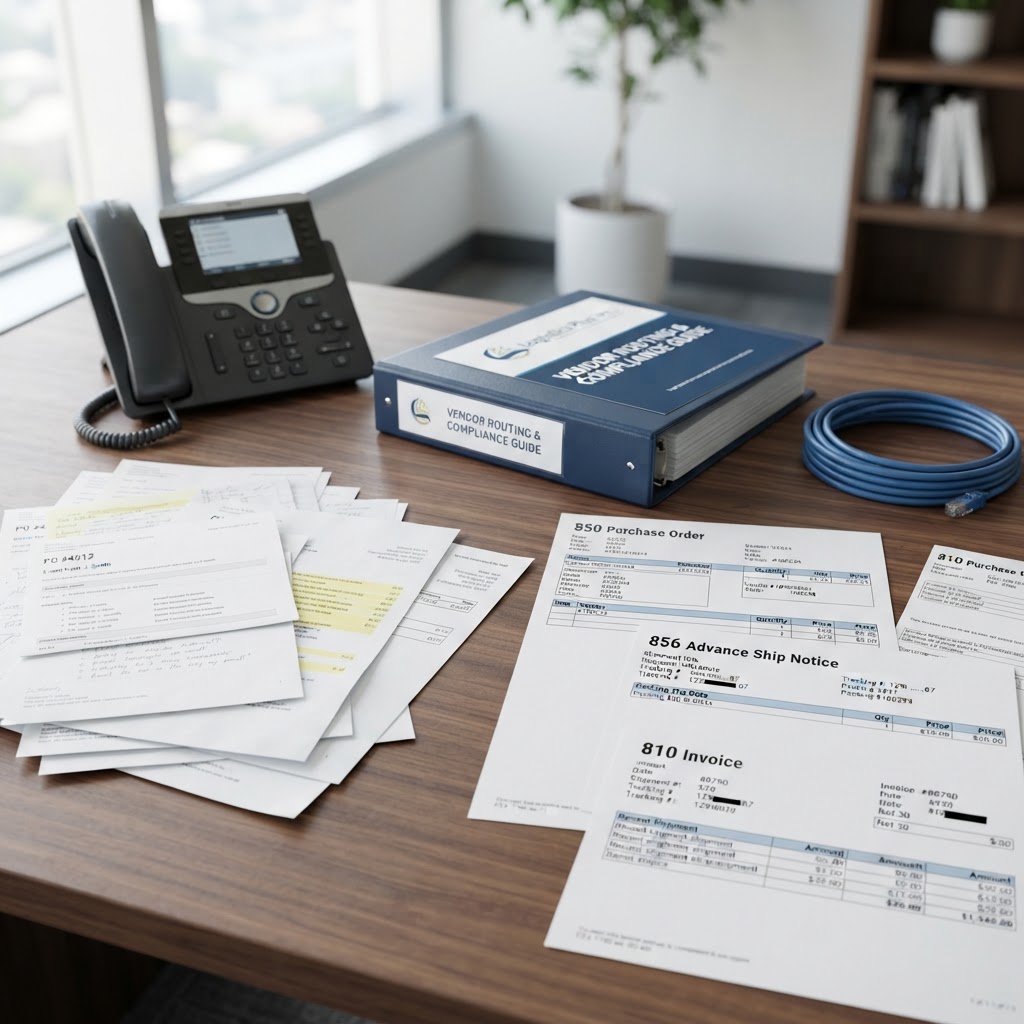
Every EDI transaction type has a number, and 810 is the ANSI X12 standard’s designation for an invoice. Where a paper invoice is a PDF or a printed page, an 810 is structured data: line items, quantities, unit prices, tax, freight, and payment terms, all arranged in a format the retailer’s accounts payable system can parse without a human touching it. The retailer’s own EDI specification, usually published in a vendor or routing guide, defines exactly which fields are required and how they must be formatted for that specific company.
That specificity is the point. A human reviewing an invoice can tell that “50 units at $12.00” and “50 units at $12” mean the same thing. An automated system checking an 810 against a purchase order often cannot, unless the formatting matches what the retailer’s guide requires field by field.
Why the 810 Drives the Payment Timeline
The 810 does not just describe what a supplier is owed. In most retail EDI relationships, it is also the trigger that starts the payment clock. A retailer’s system typically will not release payment, or will not start counting down toward the agreed payment terms, until it receives an invoice that matches the corresponding purchase order and shipment records.
A few points determine whether that match happens cleanly:
- The invoice quantities and pricing need to agree with the purchase order (the EDI 850) the retailer originally sent.
- The item identifiers, usually UPC or SKU codes, need to match what the retailer has on file for that product.
- If an Advance Ship Notice (the EDI 856) was sent for the shipment, the 810 generally needs to reconcile with what that ASN reported.
When any of these fall out of alignment, the retailer’s system flags the invoice rather than paying it. That is where most EDI-related payment delays start, and it is rarely a payment problem so much as a data-matching problem.
Where 810s Commonly Go Wrong
Suppliers who build EDI compliance around a single retailer’s requirements often run into trouble the moment they add a second one. A pricing field that one retailer’s system reads correctly may need to sit in a different segment, or use a different unit of measure, for another. A few of the more frequent sources of rejected or disputed 810s:
Manual re-entry of invoice data between an order management system and an EDI platform introduces the same kind of transcription error that shows up on purchase orders and shipping documents. Mismatched item numbers between what a supplier’s catalog uses internally and what the retailer has mapped in its own system create a match failure even when the invoice is otherwise accurate. And discrepancies between the invoiced quantity and the quantity confirmed on the ASN or the receiving report at the retailer’s warehouse routinely trigger a short pay, where the retailer pays for less than the full invoice rather than rejecting it outright.
None of these are visible from the supplier’s side until the remittance advice, the EDI 820, arrives showing a different amount than expected.
Keeping Invoices and Payments in Step
A supplier generating 810s directly from its own order and shipment data, rather than re-entering invoice details by hand, removes the step where most of these mismatches originate. Supplier EDI solutions build the invoice from the same source data used for the purchase order acknowledgment and the ASN, so the three documents describe the same transaction consistently by construction rather than by manual reconciliation after the fact.
Spring Systems has supported EDI transactions, 810s included, since 2002, across connections to more than 500 retail trading partners. New retailer connections are built to be operational quickly, and a U.S.-based support team is available 24/7 when an invoice gets flagged and a supplier needs to understand why before the next payment cycle runs.
Where to Go From Here
Suppliers who want to see how their current invoicing process holds up against a specific retailer’s requirements can schedule a demo to walk through their trading partner mix with a Spring Systems specialist.